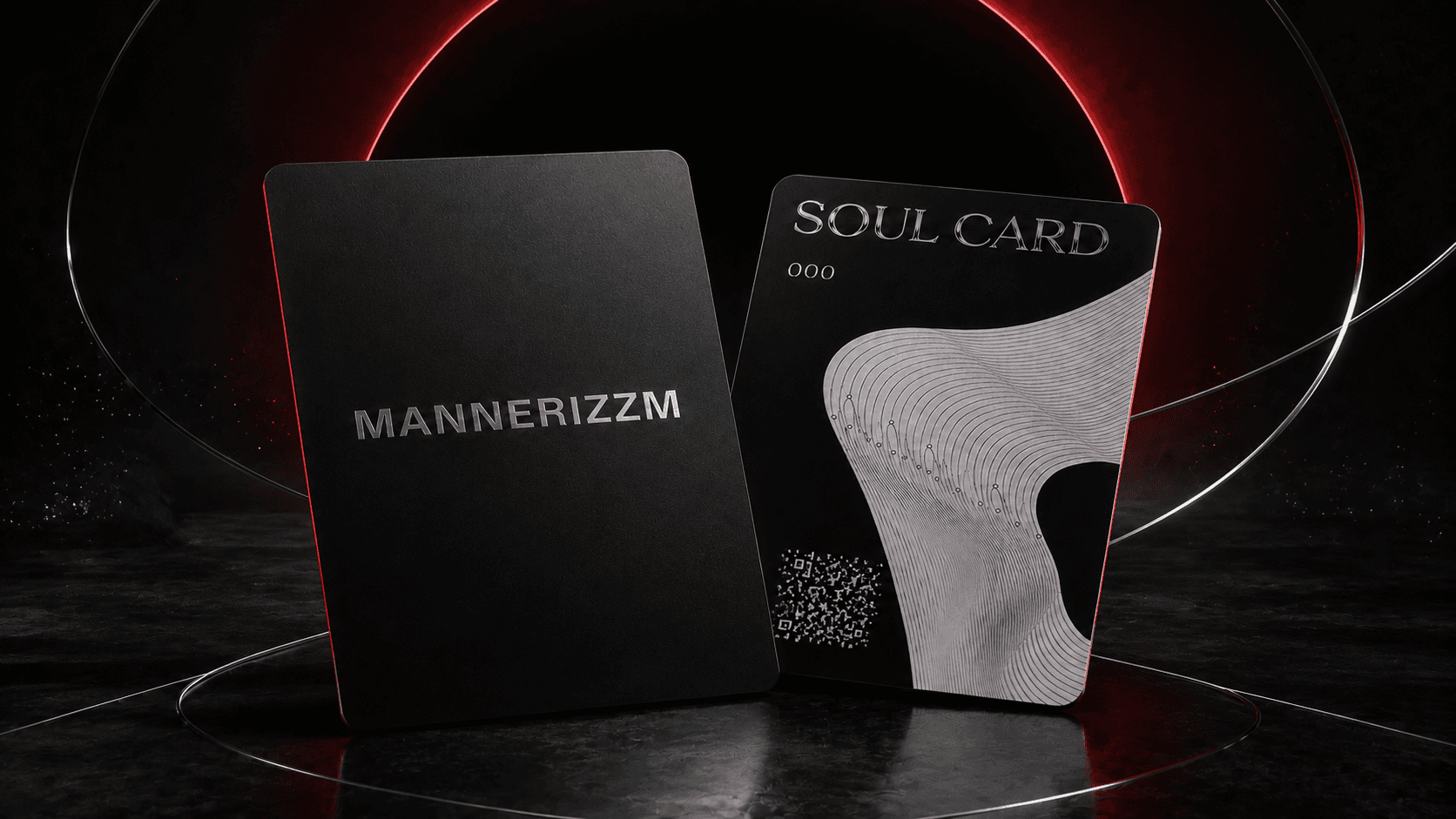
MANNERIZZM identity card

Tap. Verify.Own.

Your NFC card connects the physical piece to its digital owner record. One tap starts activation; every return tap can reveal the verified collection.

Soul Card access

One card.Two ways in.

NFC tap
Fastest entrance
Issued QR
Secure fallback
Official domain
vault.mannerizzm.com

Read-only identity key

Why it matters

More from every MANNERIZZM piece

Every Soul Card accompanies a MANNERIZZM piece and gives its owner a simple way to activate, access and revisit the connected digital experience.

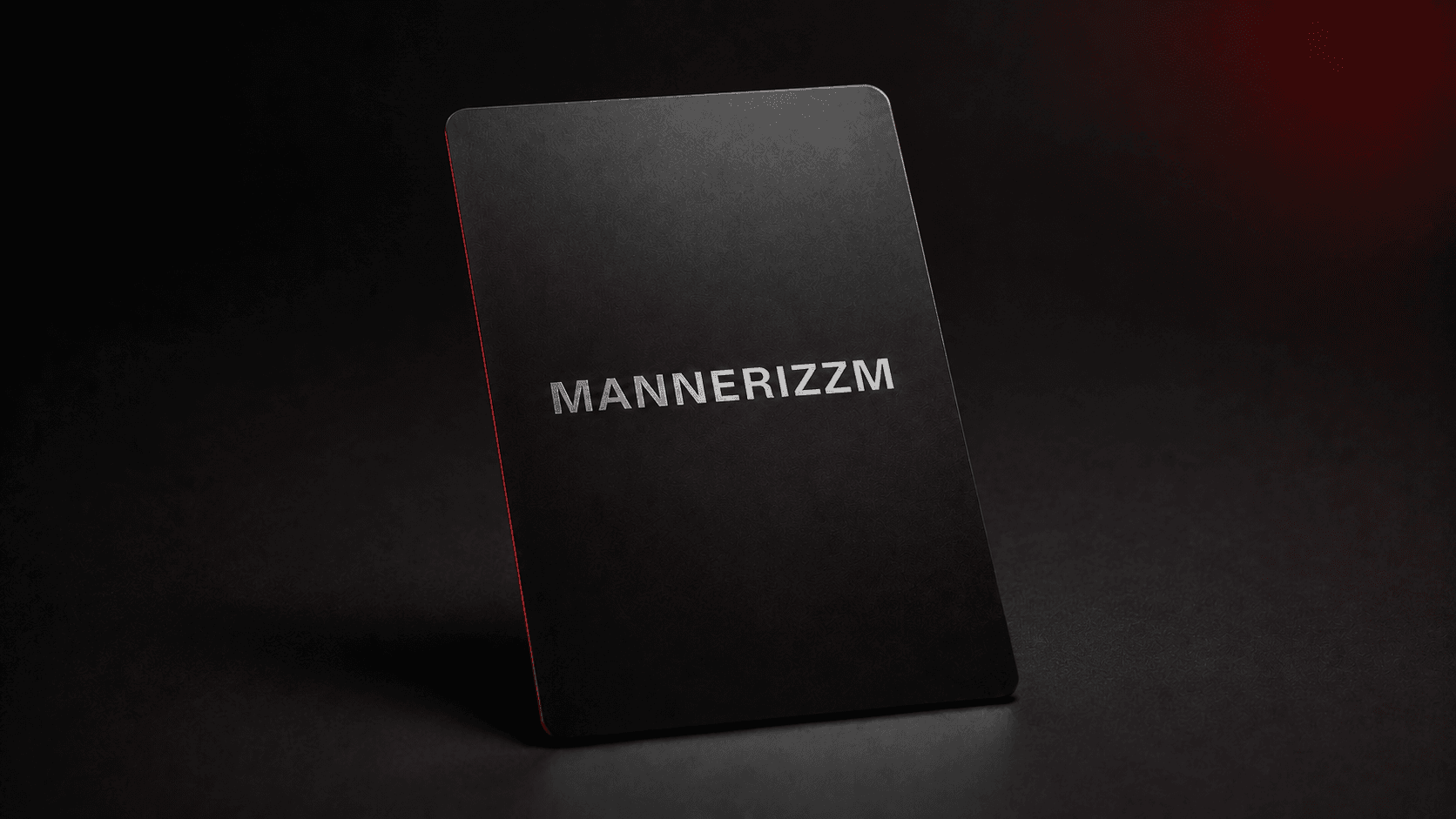
Matte-black MANNERIZZM Soul Card
01

Benefits

Your outfit, digitally connected

Each Soul Card gives your MANNERIZZM piece a direct path to its verified digital record. Tap once to begin ownership activation and keep the experience connected to the piece.

  • Instant access without downloading an app
  • A simple bridge between your outfit and digital collection
  • No personal or wallet information printed on the card
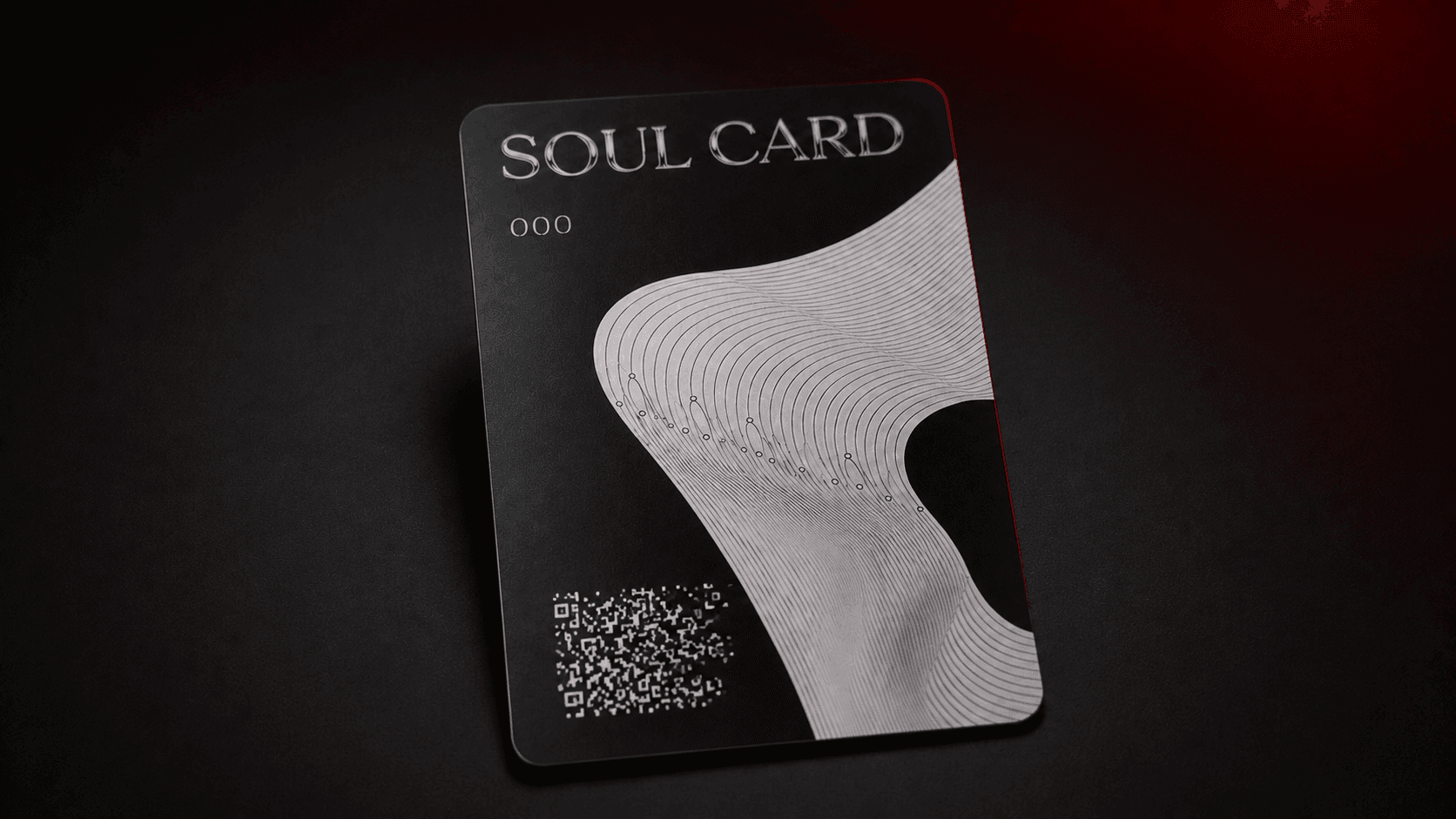
MANNERIZZM Soul Card display sample numbered 000
02

Uses

Tap whenever you want to return

Use the card when you receive your piece to activate ownership. Tap it again whenever you want to reopen your collection and revisit its connected digital experience.

  • Activate an eligible MANNERIZZM piece
  • Return to your owned NFT and collection details
  • Use the issued QR whenever NFC is unavailable
MANNERIZZM Soul Card displayed in the brand universe
03

Features

Secure access built into every card

NFC and the issued QR lead to the official MANNERIZZM Vault. The card is read-only and designed only to open the ownership and collection experience.

  • A unique destination for every issued unit
  • Compatible with supported iPhone and Android devices
  • Cannot make payments, transfer assets or expose your wallet

Cardholder access

Not everyone gets in.

The MANNERIZZM Community is reserved for verified Soul Card holders. Activate ownership to unlock private conversations, owner polls and collection updates through your verified account.

  • Verified ownership required
  • No public feed access
  • Connected to your account
Enter the community

Four simple moves

How to tap your card

  1. 01

    Unlock your phone

    Keep the screen awake. You do not need to install an app.

  2. 02

    Hold it near the card

    Move the top or back of your phone slowly over the NFC mark.

  3. 03

    Open the notification

    Tap the secure MANNERIZZM link that appears on your screen.

  4. 04

    Activate or reveal

    First tap starts owner activation. Later taps reopen the public collection.

Find the sweet spot

iPhone

Hold the top edge of the phone close to the card and keep it still until the notification appears.

Android

Hold the back of the phone near the card. If nothing happens, enable NFC in Settings and try again.

Check the destination

Continue only when the page opens onvault.mannerizzm.com. Never share your OTP with another person.

No notification?

Try this first

  • Remove thick, magnetic or metal phone cases.
  • Move the phone slowly instead of tapping quickly.
  • On Android, confirm NFC is enabled in Settings.
  • Keep the phone against the card for two to three seconds.

The NFC card is read-only. Tapping it does not send a payment, expose your wallet or change ownership by itself.